A Completion-Time Chart Cannot Measure Agent Autonomy
An agent can finish at 2 a.m. without doing autonomous work at 2 a.m.
It may have started the night before, worked for hours, waited for a person, or been launched by a schedule. A completion-time chart makes these different paths look alike.
A small OKKY community observation illustrates the limit. One builder recorded 570 agent tasks on a single PC and found most completion timestamps during office hours. The author reported that 84% fell between 9 a.m. and 6 p.m. in the first grouping, then estimated roughly 76% after accounting for an uneven observation window. The author also noted that only completion times were saved and scheduled jobs were excluded. This is one person’s dataset, not a general benchmark, and it cannot show when work began or why it stopped. Original post
A finish time is one event, not the whole task
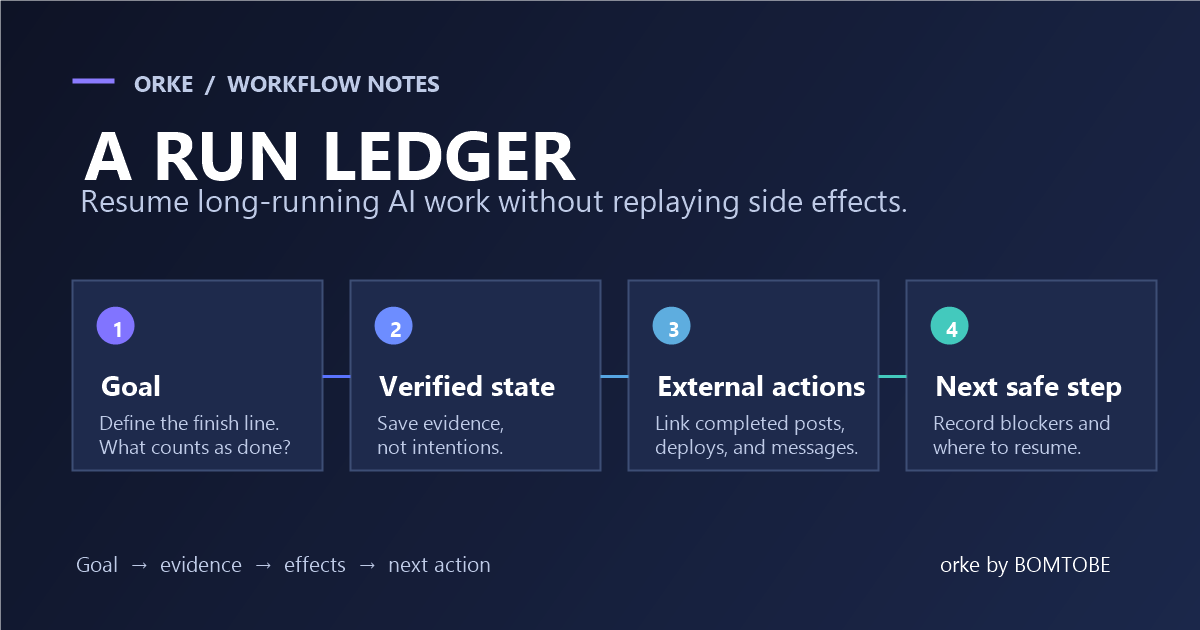
For each task, record separate timestamps for:
- Trigger: a person assigned it or a schedule started it.
- Start: the agent began its first action.
- Wait: work paused for a person, dependency, or permission. Record the reason.
- Resume: the blocking condition cleared and work continued.
- Finish: the task completed, failed, or was stopped.
This lets you ask better questions: How long after a scheduled trigger did the task actually start? How much time was spent working versus waiting? How many tasks finished without a human reply? Which tasks failed or never began?
Choose the denominator before comparing hours
A report that counts only completed tasks hides work that never started or failed. Before comparing daytime and overnight activity, define which scheduled tasks belong in the denominator and keep unfinished tasks visible.
Keep the timezone and observation window fixed. If a task crosses midnight, state whether you assign it by trigger time or split its active and waiting intervals. Don’t infer autonomy from the hour a task ended: a task that finishes at 7 a.m. may have been waiting on a person since midnight.
A practical event record
A minimal row can include task ID, trigger type, trigger time, start time, wait intervals and reasons, resume times, finish time, outcome, and whether a human reply was needed. Keep the original timestamps so you can calculate different views later instead of baking an assumption into a single “overnight” label.
This won’t measure code quality or prove that an agent is useful. It makes the task lifecycle visible enough to ask those questions separately. A completion-time histogram can still be useful; it just answers when work ended, not how independently it ran.
Disclosure
I work on marketing for BOMTOBE, the team behind Orke, a desktop workspace for Claude Code and Codex. This is a measurement proposal based on the cited community observation, not a report about Orke users.